TL;DR
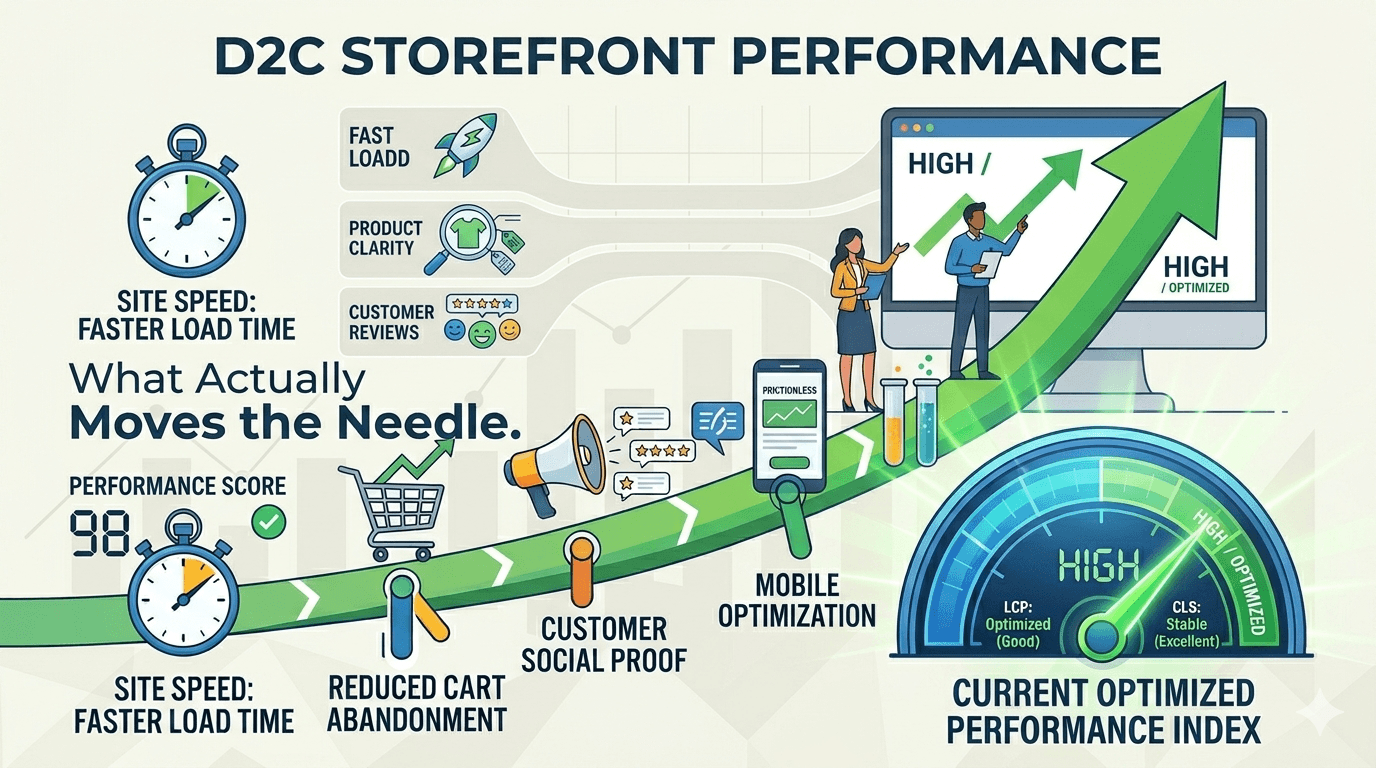
- Homepage LCP dropped from 9.4s to 5.6s and
/womenLCP from 5.4s to 2.8s by fixing image priority signals, adding correctsizesattributes, and making CSS background heroes preloadable - CLS on
/womendropped from 0.56 to 0.05 (91% reduction) by replacing hydration-mismatched content with dimension-locked skeleton components - Image payload on mobile cut by an estimated 60% — loader DPR bumped 1.5x to 2x, CMS upload dimensions replaced with hardcoded rendered-CSS sizes, and explicit
sizesadded across 12 components /womenperformance score jumped from 37 to 90; homepage from 60 to 78
Why This Matters for D2C
Indian D2C storefronts run 75-80% mobile traffic on mid-range Android devices over 4G connections that top out around 4-6 Mbps. A 1-second delay in LCP correlates with a 7-12% drop in conversion rate. When your homepage takes 9.4 seconds to paint its hero image, you are losing customers before they see a single product.
We built a storefront for a haircare brand on Next.js 16 with the App Router, React 19 with the React Compiler, Tailwind CSS 4, Zustand for client state, and Shopify as the product backend. Media-heavy: hero banners, autoplay video backgrounds, before/after carousels, ingredient deep-dives across a dozen page types. This post covers the performance sprint we ran in March 2026, after the initial build was feature-complete.
The Baseline
| Page | LCP (ms) | CLS | Performance Score |
|---|---|---|---|
/ (homepage) | 9,468 | 0 | 60 |
/women | 5,401 | 0.56 | 37 |
/skin | 9,018 | 0.46 | 46 |
/products/... (PDP) | 8,797 | 0 | 62 |
/ingredients | 9,751 | 0 | 70 |
/results | 11,495 | 0 | 71 |
/blog | 5,551 | 0 | 70 |
Lighthouse mobile simulation: slow 4G at 1.6 Mbps, 4x CPU slowdown. Two root causes emerged: images were being served at the wrong sizes with zero priority signals, and client-personalized sections were reflowing heavily after hydration.
How We Fixed LCP
Every Image Was Lazy-Loaded, Including the Hero
Our custom Img component wrapped next/image but hardcoded fetchPriority="low" on every single image. We were not just failing to prioritize the hero — we were actively telling the browser to deprioritize it. Without this hint, the browser's heuristics would have assigned medium or high priority to large above-the-fold images. By setting fetchPriority="low", we overrode that and forced the LCP image to load after stylesheets and scripts.
// Before: hardcoded inside the Img component — actively harmful
loading="lazy"
fetchPriority="low"

// After: controlled by a priority prop
loading={priority ? "eager" : "lazy"}
fetchPriority={priority ? "high" : "auto"}
This created a second problem immediately. Engineers started marking every hero-style block as priority, and the images competed for bandwidth. We built a computeBlockPriorities utility — a configurable budget, a Set of media-capable block types, a Map tracking which blocks received priority. Well-typed, well-tested, and completely unnecessary:
<RenderBlocks blocks={blocks} priority={idx < 1} />
First block gets priority. Everything else is lazy. We shipped the utility, realized it was one line of code, and deleted it three days later.
CSS Background Images Were Invisible to the Preload Scanner
Several science pages used CSS background-image for hero sections. The preload scanner parses HTML during download and discovers <img> tags and <source srcset> elements — but not CSS. Background images are invisible until the CSSOM is built, which happens much later in the critical path.
The fix: render a hidden <Img> with priority={true} right before the background div. The user never sees it, but the preload scanner finds it during HTML parsing:
{block.bg_image.mobile_image?.url && (
  <Img
    src={block.bg_image.mobile_image.url}
    alt=""
    width={390}
    height={600}
    className="sr-only"
    priority={true}
  />
)}
<div
  className="bg-cover bg-center"
  style={{ backgroundImage: `url(${block.bg_image.mobile_image?.url})` }}
>
  {/* visible content */}
</div>
How We Fixed CLS
Gender-Dependent Content Caused Hydration Mismatches
The storefront personalizes content by gender, stored in Zustand and persisted to localStorage. The server renders the default "all" variant — no gender preference exists at request time. After hydration, Zustand reads localStorage and every subscribed component re-renders with filtered content. Cards disappeared. Grid layouts collapsed. That was the CLS of 0.56 on /women.
// Each section guards on hydration state
if (!isHydrated) return <ResultSectionSkeleton />;
if (!isHydrated) return <RootCauseApproachSkeleton />;
if (!isHydrated) return <IngredientsListSectionSkeleton />;
Each skeleton uses animate-pulse blocks with hardcoded dimensions matching the production layout. The server renders skeletons. Hydration swaps in real content. The layout never shifts because both occupy the same space.
Dynamic Containers and Video Swaps
TestimonialCarousel returned null while loading, then appeared at full height. Every container that started empty and filled in later caused a shift.
// Before: invisible during loading, then pops into existence
if (isLoading || !filteredResults.length) return null;

// After: maintains layout space
if (isLoading) {
  return <div className="h-[400px] w-full md:h-[600px]" />;
}
The Video component swapped a preview image for a <video> element on scroll. The swap removed one element and inserted another, creating a frame where the container collapsed to zero height.
// Before: ternary swap collapses layout
{videoSrc && inView ? <video ... /> : currentPreviewImage?.url ? <Img ... /> : null}

// After: preview anchors layout, video composites on top
{currentPreviewImage?.url && <Img ... />}
{videoSrc && inView && <video className="absolute inset-0 h-full w-full object-cover" />}
We also changed the preview image resize handler from useEffect to useLayoutEffect. useEffect fires after paint — there is one frame with wrong dimensions. useLayoutEffect fires synchronously before paint. For layout-critical measurements, it is not optional.
How We Fixed Image Delivery
Three Compounding Problems in the Image Loader
Without sizes, next/image tells the browser the image could be 100vw. On a 375px mobile screen with 3x DPR, the browser selects the 1125px variant for a 200px thumbnail — 5x the pixels needed.
Our loader made it worse. It calculated width against 1920 * dpr regardless of display size, and DPR was 1.5 — not full retina density:
// Before: every image sized for a 1920px display, at 1.5x DPR
const dpr = 1.5;
const maxWidth = Math.min(Math.round(1920 * dpr), 2560);

// After: sized for actual display dimensions, at 2x DPR
const dpr = 2;
const maxWidth = Math.min(Math.round(Number(width) * dpr), 2560);
Then we found the third problem. Even with the loader fixed, the width prop itself was wrong — we were passing CMS dimensions:
// Before: CMS upload dimensions fed into the loader
<Picture
  mobileWidth={blog.image?.mobile_image?.width ?? 390}
  desktopWidth={blog.image?.desktop_image?.width ?? 890}
/>
CMS dimensions are the upload dimensions, not the rendered container size. An editor uploads a 1500px photo for a 390px slot. We pass width=1500. The loader computes 1500 * 2 = 3000px and fetches a 3000px CDN variant for a 390px container.
// After: rendered CSS size derived from Tailwind layout
<Picture
  mobileWidth={390}
  mobileHeight={220}
  desktopWidth={664}
  desktopHeight={360}
  sizes="(min-width: 1024px) calc(50vw - 56px), 100vw"
/>
For every component, we derived the rendered width from the Tailwind classes — container width minus padding, gaps, and margins — and hardcoded those values.
Sizing the srcset Candidates and quality
The Picture component generates srcset candidates. We added a 2x candidate to match the loader:
const candidates = [
  clampWidth(targetWidth * 0.66),
  clampWidth(targetWidth),
  clampWidth(targetWidth * 1.5),
  clampWidth(targetWidth * 2),   // added for retina
];
Then set sizes and quality per component. Three examples:
| Component | sizes | quality |
|---|---|---|
| HairRegrowthJourney (100px thumbnail) | 100px | 40 |
| ProductCard (medium card) | (max-width: 640px) 200px, (max-width: 768px) 280px, 310px | 75 |
| ClinicalStudiesSection (full-width) | (min-width: 1024px) 50vw, 100vw | 75 |
These changes together cut estimated image transfer on mobile by about 60%. A typical PLP was transferring ~4.2MB of images; after the fixes, ~1.6MB. On slow 4G at 1.6 Mbps, that is the difference between 21 seconds and 8 seconds of network time just for images.
Lazy Video and Bundle Trimming
A single autoplay hero video was 6.3MB — 31 seconds of network time on slow 4G. We added IntersectionObserver to every video component so they only start downloading when they scroll into the viewport.
We also found that @uidotdev/usehooks (15KB, 60+ hooks) was imported for a single useIntersectionObserver call. Replaced with a 30-line custom hook. One dependency gone, 15KB off the critical bundle.
Server-Side Caching
We applied "use cache" to the root layout, main layout, and header with cacheLife and cacheTag for targeted revalidation. The lesson: we had wrapped the header in <Suspense> with a skeleton fallback before adding the cache directive. Once the cache was in place, the header rendered in under 10ms and the skeleton was dead code from the moment we committed it. Cache first. Add loading states only for what is genuinely slow after caching.
Results
| Page | LCP Before | LCP After | CLS Before | CLS After | Score Before | Score After |
|---|---|---|---|---|---|---|
/ (homepage) | 9,468ms | 5,646ms | 0 | 0 | 60 | 78 |
/women | 5,401ms | 2,851ms | 0.56 | 0.05 | 37 | 90 |
/blog | 5,551ms | 4,876ms | 0 | 0 | 70 | 73 |
/women went from 37 to 90 — the gender hydration CLS fix combined with proper image sizing. Across the storefront, pages that loaded 4-5MB of images on mobile now load 1.5-2MB for the same visual result.
What We Got Wrong
Over-engineering the priority budget. A full day building computeBlockPriorities. priority={idx < 1} does the same thing. The constraint did not need a system.
Adding Suspense reflexively. We wrapped the header in <Suspense> before profiling. After adding "use cache", the skeleton was never shown. Profile first, then add loading states.
Batch-measuring instead of isolating. We made 4-5 changes in the same day and measured once. When pages improved unevenly, we could not attribute the delta to a specific fix. Measure after each change.
Three iterations of font loading. Started with a media="print" swap trick, moved to rel="stylesheet", finally stripped to preconnect hints. The final version is three lines. We should have started there.
The Priority Order That Matters
-
Hardcode dimensions to rendered CSS size, add
sizesandquality. Derive widths from Tailwind layout — container minus padding, gaps, margins. Never pass CMS dimensions to the loader. Dropqualityto the lowest visually acceptable value. -
Skeleton everything that depends on client state. Gender, auth, cart, locale, A/B variant — if the server and client render different DOM, you get CLS. Dimension-matched skeletons until the store is hydrated.
-
Reserve height on every dynamic container. Returns
nullduring loading? Fixed-height placeholder. Starts empty?min-h. No exceptions. -
One priority image per page. Mark the first visible media element
priority={true}. More hints dilute the signal. -
Cache before adding loading states.
"use cache"on the component first. If it renders fast enough, you do not need Suspense.