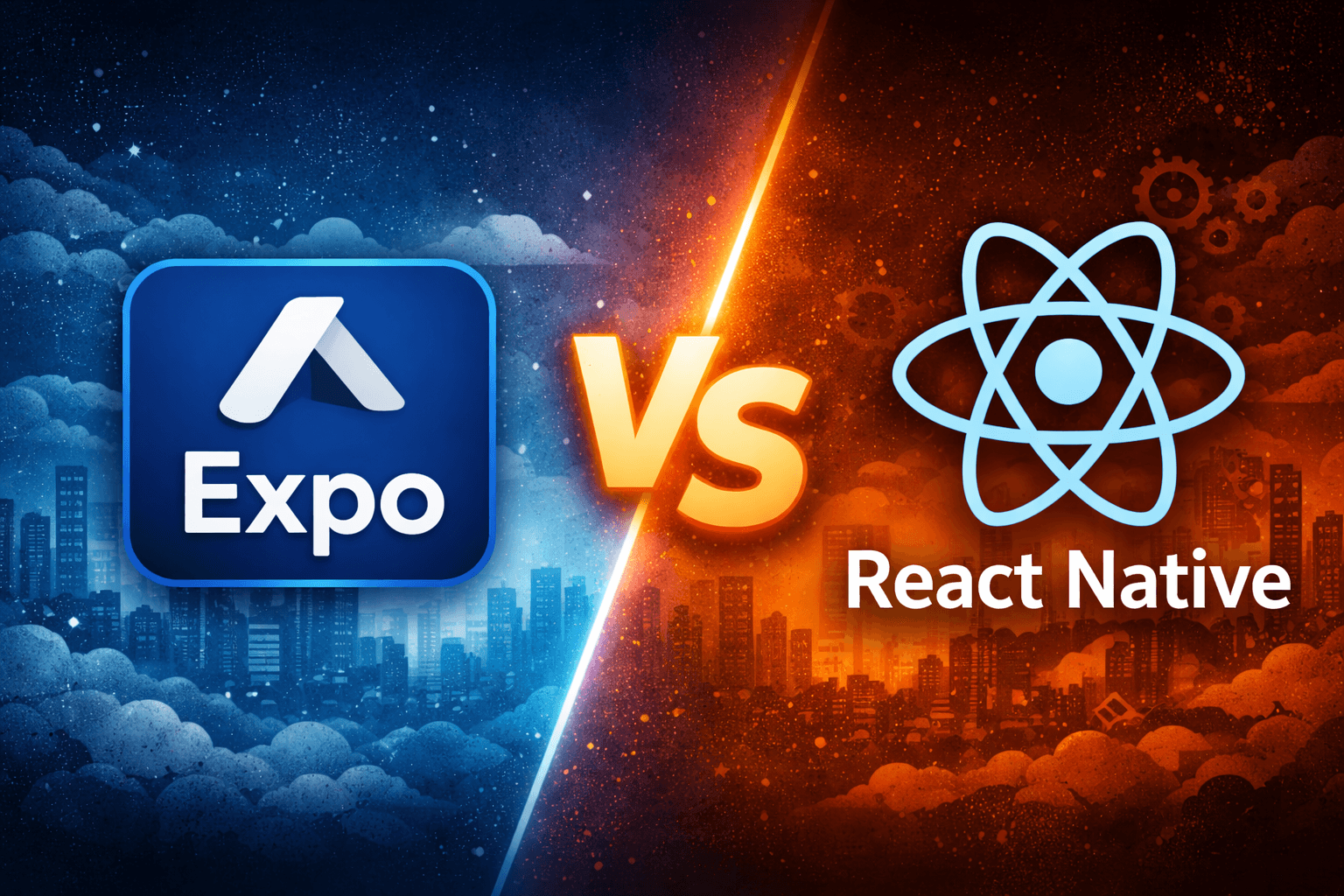
Choosing the right architecture is one of the most important early decisions when building a mobile application with React Native. Developers often face a key question:
Should we build using Expo or use Bare React Native (React Native CLI)?
Expo dramatically simplifies development by providing preconfigured tooling and APIs, while Bare React Native gives developers full access to the native layers of Android and iOS.
Both approaches are widely used in production, but they come with different performance characteristics, development trade-offs, and architectural constraints.
Understanding Expo
Expo is a platform built around React Native that aims to simplify mobile development.
It provides:
- Preconfigured development environment
- Built-in APIs for common mobile features
- Simplified build and deployment
- Over-the-air updates
Developers can access many native features without writing native code. For example:
expo-cameraexpo-locationexpo-notifications
With Expo's Managed Workflow, developers do not need to configure Android Studio or Xcode to get started. This dramatically improves the developer experience, especially for small teams or web developers entering mobile development.
Understanding Bare React Native
Bare React Native refers to projects created using the React Native CLI. In this setup, developers work directly with the native Android and iOS codebases.
This means engineers can:
- Integrate any native SDK
- Create custom native modules
- Configure build pipelines
- Optimize performance at a lower level
However, this also requires familiarity with:
- Android development
- iOS development
- Native build tools
- Dependency configuration
Bare React Native provides maximum flexibility, but at the cost of higher complexity.
Performance Trade-offs Between Expo and Bare React Native
While Expo improves development speed, Bare React Native offers more control over performance optimization. Below are the key areas where trade-offs appear.
App Startup Performance
Startup time is one of the most visible performance metrics in mobile apps.
Expo apps slightly slower cold start times because of the additional runtime layers and bundled modules. During startup, an Expo app must:
- Initialize the native runtime
- Load the Expo runtime environment
- Initialize required Expo modules
- Load the JavaScript bundle
- Render the root component
If several Expo modules initialize during startup, launch time may increase.
Example scenario: An app using multiple modules like camera, notifications, and location may load additional code before the first screen appears.
Bare React Native applications typically include only the libraries that are explicitly installed, which can result in faster cold starts when optimized properly.
| Platform | Expo Managed | Bare React Native |
|---|---|---|
| iOS cold start | ~2.0 – 2.5s | ~1.1 – 1.6s |
| Android cold start | ~2.5 – 3.5s | ~1.4 – 2.0s |
However, it is worth noting that modern Expo improvements (such as Expo Application Services and optimized runtime modules) have significantly reduced this gap.
Bundle Size
Another noticeable difference is application bundle size.
Expo includes a set of default runtime modules, which can increase the JavaScript bundle size. For example, importing multiple Expo APIs such as expo-av, expo-media-library, and expo-file-system can increase the overall bundle.
Larger bundles impact:
- Download size
- Cold start time
- Memory consumption
In Bare React Native, developers include only required dependencies, allowing more aggressive optimization.
| Asset | Expo Managed | Bare React Native |
|---|---|---|
| JS bundle (production) | ~6 – 12 MB | ~4 – 8 MB |
| iOS IPA (after thinning) | ~25 – 45 MB | ~12 – 25 MB |
| Android APK | ~30 – 60 MB | ~15 – 35 MB |
Native Module Flexibility
Expo provides a wide range of APIs, but not every native library is compatible with the managed workflow.
In such situations, developers must either:
- Eject the Expo project into a bare workflow
- Switch to Bare React Native entirely
Bare React Native does not impose such restrictions because developers control the native code.
Background Processing
Many production apps require background capabilities such as:
- Location tracking
- Background syncing
- Background data processing
Expo provides APIs such as expo-task-manager and expo-background-fetch. These work well for many common scenarios.
However, advanced background services sometimes require deeper native integration, which is easier to implement with Bare React Native.
Memory Footprint
Memory usage matters most on budget Android devices with limited RAM. Expo Managed initializes all SDK modules at startup on the native side, while Bare React Native with TurboModules lazy-loads them only when needed.
| Expo Managed | Bare React Native | |
|---|---|---|
| Baseline memory (RSS) | ~100 – 120 MB | ~60 – 90 MB |
On high-end devices this difference is rarely noticeable. On entry-level Android phones with 2–3 GB RAM, the ~30 MB gap can impact overall app stability.
Debugging and Performance Profiling
Debugging tools are essential for diagnosing performance issues.
In Expo applications:
- Many native layers are abstracted
- Errors may originate from the Expo runtime
- Native debugging can be less transparent
In Bare React Native, developers get direct access to native debugging tools, including:
- Android Studio Profiler
- Xcode Instruments
- Native performance tracing
These tools allow engineers to analyze memory usage, CPU utilization, and UI rendering performance. This level of visibility can be important in large-scale applications.
Developer Productivity
While Bare React Native offers greater control, Expo significantly improves developer productivity.
Expo simplifies tasks such as:
- Project setup
- Asset management
- Push notifications
- Device APIs
- Build pipelines
Features like over-the-air updates allow developers to ship small fixes without submitting a new app store release. For many teams, these advantages outweigh the minor performance overhead.
Overall Performance Comparison
| Metric | Expo Managed | Bare React Native |
|---|---|---|
| Cold start time | Slower | Faster |
| JS bundle size | Larger | Smaller |
| Native binary size | Larger | Smaller |
| Memory baseline | Higher | Lower |
When Expo is the Right Choice
Expo works best when building:
- MVP products
- Startup applications
- Prototypes
- Apps without complex native integrations
- Projects developed by small teams
It allows teams to move quickly and focus on application logic rather than infrastructure.
When Bare React Native is the Better Choice
Bare React Native is often preferred for applications that require:
- Complex native integrations
- Highly optimized performance
- Custom background services
- Specialized hardware access
- Large-scale production systems
Large engineering teams often choose Bare React Native for the additional control it provides.