TL;DR
- Gemini Enterprise Agent Builder cannot call authenticated internal APIs directly; a Cloud Run proxy layer is mandatory
- IAM permission bugs in the Google Cloud UI forced a resource-level workaround the console was hiding from view
- The OpenAPI YAML is enforced strictly — one wrong path or one missing header and the agent fails silently with no useful error
- LLMs treat any undocumented parameter as optional; required fields like
pagemust be hardcoded as rules in the system prompt - The debugging loop for a broken agent tool call spans five entirely separate systems before you find the real failure
The Promise and What Actually Happened
I've seen the demos. A developer types a prompt — "Show me the active engineers available next week" — and a perfectly formatted table appears instantly. That is the promise of Gemini Enterprise: your company's data, accessible in plain English.
So I decided to build exactly that at devx. Our Resource Management System (RMS) holds the allocation state for every engineer and designer on the team. Project managers open it constantly to see who is free for the next sprint. My goal was simple: connect Gemini Enterprise to the RMS so they could ask questions in natural language instead of filtering a table.
The RMS has a clean, secure endpoint:
https://console.devxlabs.ai/api/v1/employees?status=ACTIVE
Gemini is a capable model. The connection should have taken an afternoon.
It did not.
The Setup: The Promise of Agent Builder
Google Cloud provides a tool called Gemini Enterprise Agent Builder — a Conversational Agents console where the UI is deceptively simple. You give the agent a name, write instructions in plain English, upload an OpenAPI YAML so it knows how to talk to your backend, and you're done.
I wrote the YAML. I generated a session cookie for the RMS. I stored it in Google Secret Manager. I told the agent to fetch employee data.
I opened the simulator and typed: "Show me the active employees."
The response: Error: 403 Forbidden.
And so the descent began.
The Debugging Black Hole: Where Is the Error?
Here is the thing nobody tells you about connecting AI agents to internal APIs. When traditional code breaks, you read a stack trace and work backward. When an AI agent fails mid-tool-call, the error could live in any of five entirely different systems — IAM permissions, firewall rules, the OpenAPI YAML, route handlers, or the agent's own system prompt. Nothing in the Agent Builder console tells you which one. You triangulate from sparse HTTP status codes across logs you have to find yourself.
That is what I mean by a debugging black hole. Each layer looks fine in isolation. The failure only surfaces at the very end of the chain.
Here is how I dug through each one.
Layer 1: The Identity Crisis (IAM)
The 403 wasn't coming from the RMS. It was coming from Google Cloud's own Secret Manager.
The Agent Builder runs requests as a background service account — a robot user that Google manages. To read a secret, that robot needs secretmanager.versions.access. I went to the IAM console to grant it.
The console told me the service account didn't exist.
I refreshed. I waited. I tried again. Still not there. The UI was caching a stale state and hiding a service account that clearly did exist, because the Agent Builder had already created it.
The fix: I abandoned the IAM console entirely. I opened the secret itself, went to its own Permissions tab, and added the binding there at the resource level. The same permission, through a different door, worked immediately.
Layer 2: The Firewall
With the secret accessible, I needed to solve a bigger problem. I couldn't pass a raw session cookie from the Agent Builder without risking security. So I built a small Node.js proxy on Cloud Run to sit between the agent and the RMS — the agent would call the proxy, the proxy would attach the cookie and forward to the real endpoint.
I asked the agent to fetch data again.
Response: Error 403 HTML.
This time the Google Cloud firewall was blocking the agent from reaching the proxy at all. Cloud Run rejects unauthenticated traffic by default, and the Agent Builder cannot acquire roles/run.invoker on your behalf.
gcloud run services add-iam-policy-binding rms-proxy \
  --region=us-central1 \
  --member="allUsers" \
  --role="roles/run.invoker"
I opened the door at the network layer and moved caller verification into the application — the proxy would validate a shared secret header on every request instead.
Layer 3: The Hallucinated Password (The YAML)
With the firewall open, I tried again.
Response: Error 401 Unauthorized — from my proxy this time.
The proxy required a custom header (x-proxy-secret) to confirm that only Gemini could call it. I had defined it in the OpenAPI YAML and set the Agent Builder's authentication mode to "Unspecified," assuming the YAML would handle it.
The agent ignored the header entirely. It tried to call the proxy without credentials.
Setting authentication to "Unspecified" does not mean "follow what the YAML says." It means "do nothing." The agent silently dropped the required header and knocked without a password.
The fix was two parts. First, I added a default value to the YAML parameter:
parameters:
  - in: header
    name: x-proxy-secret
    required: true
    schema:
      type: string
      default: "your-shared-secret-here"
Second, I added an explicit instruction to the system prompt — because, as I was learning, the agent needs to be told directly:
You MUST always include the header x-proxy-secret on every tool call.
Layer 4: The Routing Typo
Password accepted. The agent reached the server.
Response: Error 404 Cannot GET /rms-proxy.
My Node.js handler was mounted at /:
app.get("/", async (req, res) => {
  // proxy logic
});
The YAML told the agent to call /rms-proxy. A single path out of place, and the whole chain collapses. The YAML is the contract between the agent and the server — if your code doesn't match the contract exactly, you get a 404 that looks identical to any other routing mistake, except you just burned two hours of infrastructure debugging to reach it.
app.get("/rms-proxy", async (req, res) => {
  // proxy logic
});
Layer 5: The Lazy AI (The Prompt)
This was the most interesting failure of the entire journey.
Paths matched. Proxy connected. RMS received the request.
Response: Error 400: Invalid pagination parameters.
Our RMS, like most enterprise APIs, enforces strict pagination. Every list endpoint requires page and page_size. No exceptions. It's there to prevent anyone from accidentally pulling the entire employee database in one request.
When I asked Gemini to "Show me the active employees," it correctly sent status=ACTIVE. But it never sent page numbers. It had never seen pagination come up in the conversation, so it decided those parameters were optional.
This is the most fundamental mismatch between AI agents and legacy APIs. The AI is flexible — it fills in what it thinks is needed. The API is rigid — it rejects anything that doesn't meet the exact contract.
I couldn't fix this in code. I had to fix it in the instructions:
CRITICAL TOOL RULES:
- You MUST always pass page=1 and page_size=50 on every RMS call.
- Never omit these parameters regardless of what the user asks.
If the backend requires a parameter, the prompt must require it too. The YAML alone is not enough.
The Breakthrough
I opened the simulator one last time.
"Show me a table of the ACTIVE employees from the RMS."
I watched the logs. The agent read the prompt. It selected the proxy tool. It attached the hardcoded secret header. It remembered the strict rules and injected page=1. It hit the Cloud Run proxy, which attached the RMS session cookie and forwarded the request. The RMS returned JSON.
And then the AI part finally worked. The agent consumed that JSON and typed out a perfectly formatted Markdown table of every active engineer and designer on the team.
Under three seconds, start to finish.
What This Actually Taught Me
The biggest mistake was assuming the Google Cloud IAM console and the resource-level Permissions panel were equivalent. They're not always in sync. Going straight to resource-level permissions on the secret would have saved close to an hour.
The second mistake was trusting the OpenAPI YAML to handle headers on its own. Anything the agent must reliably send on every call has to appear in the system prompt as well — the spec alone is not enough.
The third was not reading the RMS API contract carefully before writing the YAML. The pagination requirement was documented. I found it at runtime, five debug cycles in.
But the real lesson is this: connecting Gemini Enterprise to your internal tools is genuinely possible and genuinely useful once it works. Project managers on our team now query allocation state without opening the RMS console at all.
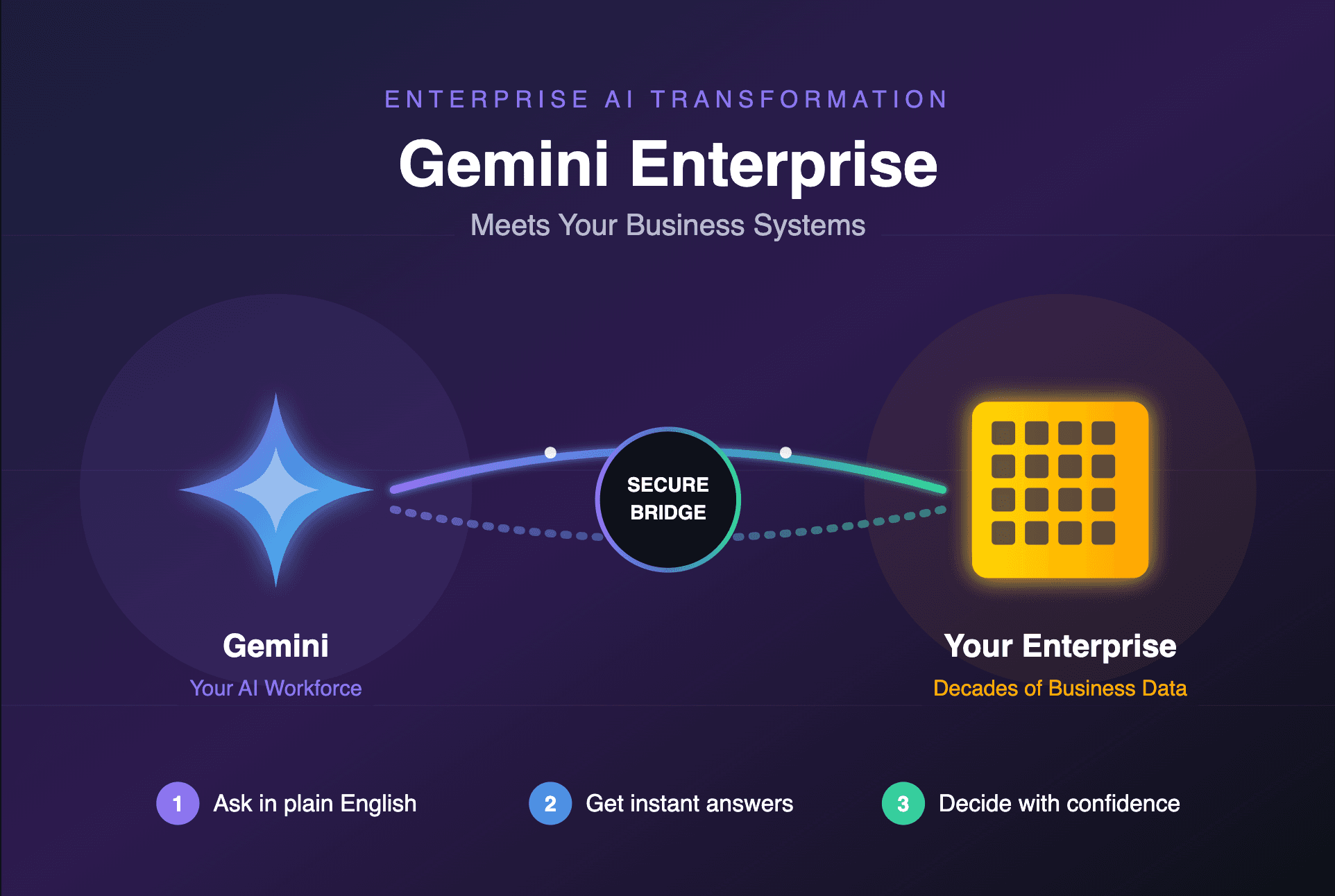
What is also true: you cannot just point an AI at a legacy API and expect it to navigate enterprise authentication, strict parameter contracts, and firewall rules by itself. You have to build the bridge — a secure proxy that sits between the LLM and your raw backend, handles credential injection, and enforces the contracts the agent won't enforce itself.
"Low Code" Agent Builders are the future of how people interact with company data. Making them actually work? That still requires getting your hands dirty in the terminal.